
In today’s fast-paced academic environment, effective note-taking is essential for success. AI note-taking tools for students are revolutionizing the way scholars capture, organize, and review information. These innovative technologies not only simplify the note-taking process but also help in enhancing comprehension and retention of study material. As students face increasing demands on their time and focus, utilizing AI-powered tools can make a significant difference in managing their studies more effectively. Let’s explore various options and find the best tools to elevate your educational experience.
Article · Ai Note Taking
Top AI Note-Taking Tools for Students to Boost Efficiency
Discover the best AI note-taking tools for students, enhancing study habits and efficiency. Explore features and integrate them into your routine.
Understanding AI Note-Taking
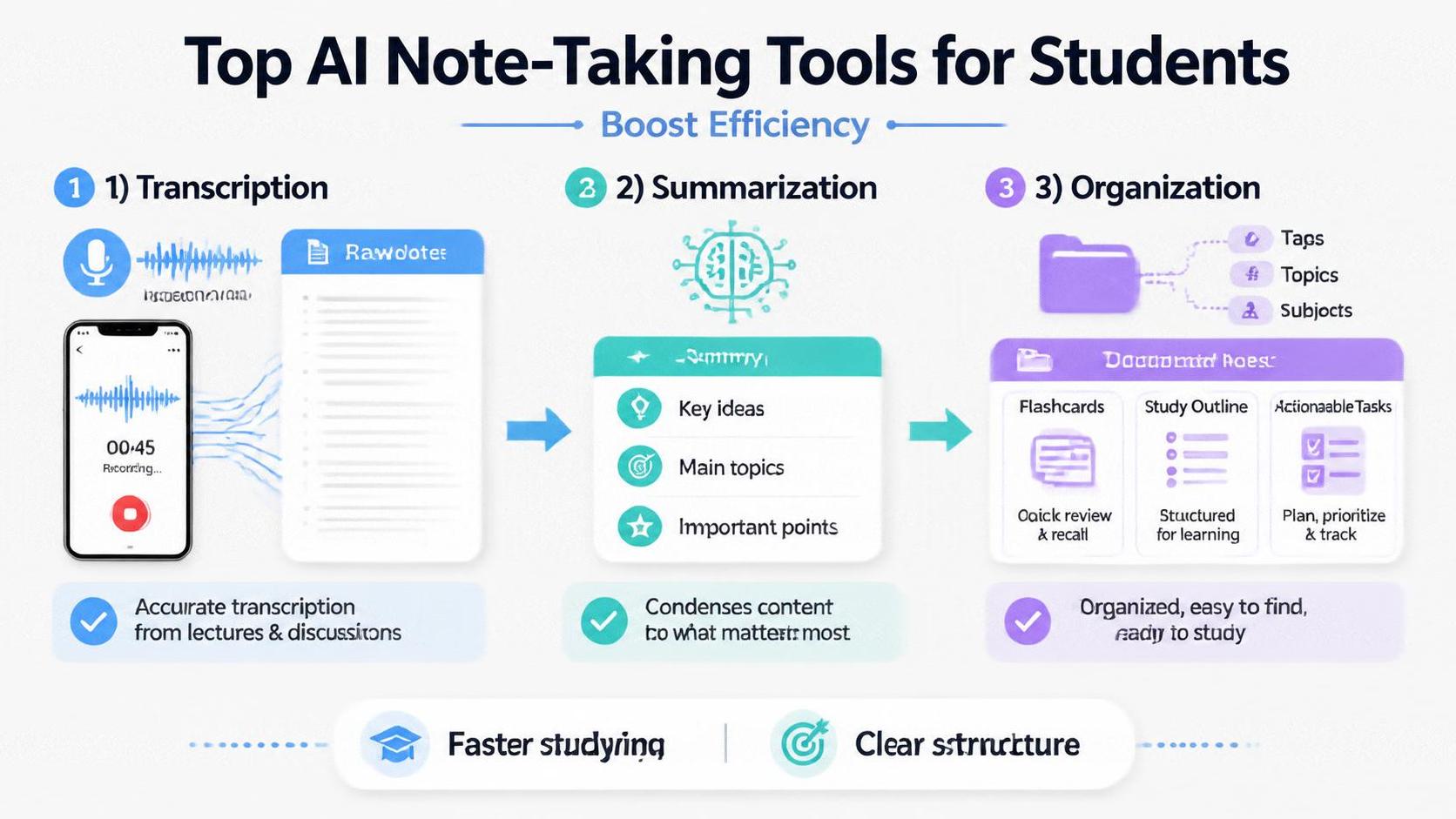
AI note-taking tools leverage advanced algorithms and machine learning to enhance the efficiency and effectiveness of the note-taking process. These tools can transcribe spoken word into text, summarize information, and help students organize their notes more logically. Unlike traditional methods where students need to write or type continuously, AI tools often automate repetitive tasks, allowing learners to focus on understanding the content rather than just recording it. By utilizing natural language processing (NLP), these tools can offer contextual insights, making it easier for students to connect ideas and concepts.
Key Features of AI Note-Taking Tools
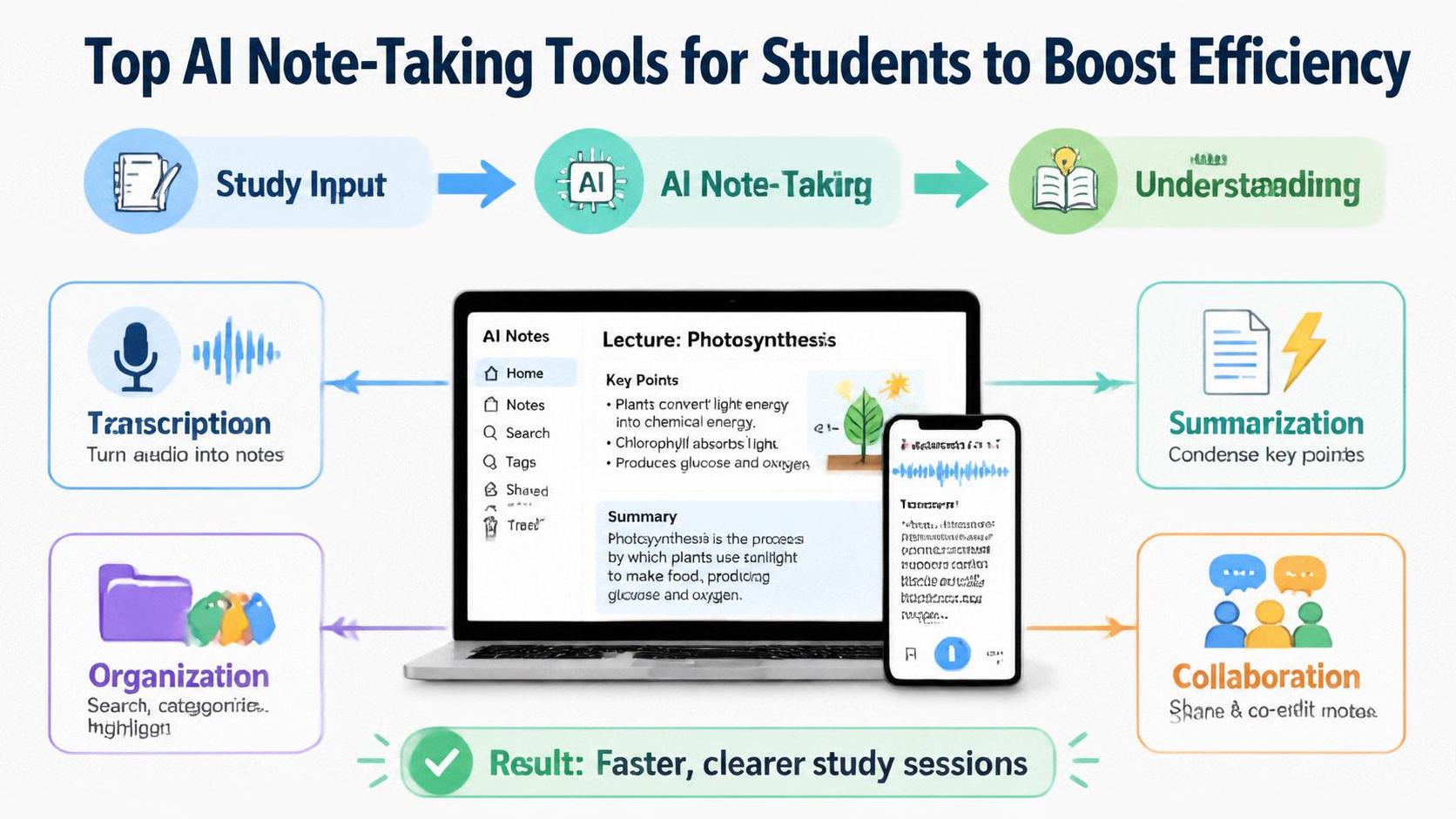
When evaluating AI note-taking tools, several key features can significantly enhance a student's experience. Firstly, automated transcription can capture lectures or discussions, allowing students to focus better on the content being presented. Additionally, summarization capabilities that condense lengthy articles or lecture notes into concise points help in quick revision. Another essential feature is organization tools that categorize and tag notes for easy retrieval. Some AI note-taking apps even integrate with other educational platforms, ensuring a seamless experience across different tools. Moreover, collaboration features allow group projects to flourish, where students can collectively contribute and refine their notes.
Popular AI Note-Taking Tools for Students
Several AI note-taking tools have gained popularity among students due to their robust features and user-friendly interfaces. Here are a few top contenders:
Notion: This versatile tool goes beyond note-taking, offering a complete workspace for students to organize their projects, notes, and tasks. With its AI capabilities, Notion can help automate data entries and provide insights on study habits.
Otter.ai: Renowned for its real-time transcription capabilities, Otter.ai is a favorite among students attending lectures. It captures audio and transcribes it instantly, allowing students to focus on understanding rather than hurriedly taking notes.
Microsoft OneNote: With its flexibility and integration within the Microsoft ecosystem, OneNote allows students to combine typed notes with handwritten ones, audio recordings, and images. Its search functionality is enhanced by AI, making information retrieval simple.
Evernote: This classic note-taking application has integrated AI features that help with organizing notes and reminders. It can suggest tags and categories based on the content, making it easier for students to find information later.
Google Keep: This tool offers quick note-taking features, with AI suggesting reminders and organizing notes based on the context. Google Keep’s access across different devices ensures students can keep their notes handy wherever they are.
Integrating AI Note-Taking Tools into Study Routines
To make the most out of AI note-taking tools, students need to develop effective strategies for integration into their study routines. Schedule Note-Taking Sessions: Designate specific times during lectures or study sessions where you will exclusively use these tools. Engaging with an AI tool can enhance focus, as it allows for a more interactive approach to capturing information.
Combine Different Methods: AI note-taking should complement traditional methods, not entirely replace them. Consider using AI for lectures and summarization while employing handwritten notes for brainstorming ideas or solving problems. This hybrid approach can cater to different learning styles and enhance understanding.
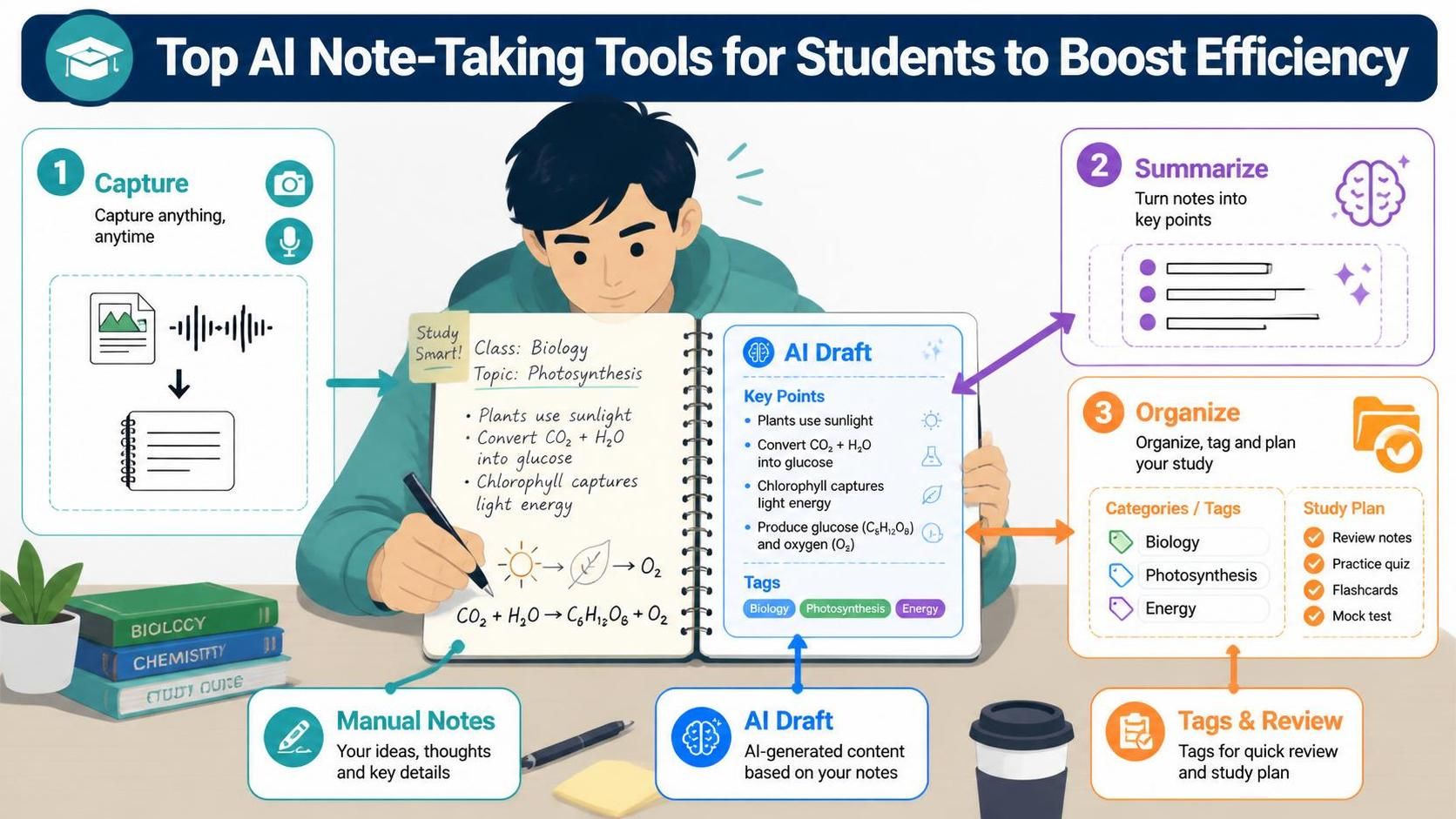
Review and Refine Notes: After a class or study session, take time to review the AI-generated notes. Refine them by adding personal insights or clarifying points. This process reinforces learning and helps improve retention.
Collaborate with Peers: Utilize the collaboration features present in many AI note-taking tools, such as shared notes in Notion or Google Keep. By collaborating, students can gain diverse perspectives and insights, enriching their understanding of the topic.
Benefits of Using AI Note-Taking Tools
The benefits of incorporating AI note-taking tools into academic routines are multifaceted. Increased Efficiency: Students can save significant time by allowing AI to handle repetitive tasks, such as transcription and organization. This efficiency frees up time for deeper learning activities, such as research or project work.
Enhanced Comprehension: With features like summarization and contextual insights, students can grasp complex concepts more easily. AI tools can help clarify points during study sessions and provide relevant examples based on the notes and topics discussed.
Flexible Learning: Many AI note-taking tools are accessible on multiple platforms, enabling students to study anytime and anywhere. This adaptability is especially crucial in today's remote learning environment and can cater to students' varying schedules.
Increased Engagement: An AI tool's interactive features can enhance student engagement. By utilizing visual aids or real-time feedback, these tools support a more immersive learning experience.
Challenges and Considerations
While the advantages of AI note-taking tools are compelling, students should also be aware of certain challenges. Dependence on Technology: Over-reliance on AI technologies can hinder the development of personal note-taking skills. Striking a balance between technology usage and traditional methods helps in retaining essential study habits.
Cost Factors: Some advanced AI note-taking tools may require a subscription fee. Students need to consider their budget when selecting tools and assess free alternatives that still meet their needs.
Privacy Concerns: As with any digital tool, privacy is a consideration. It's essential for students to understand data policies related to their notes and information. Selecting trustworthy platforms with robust security measures can mitigate these concerns.
Future of AI in Education
The role of AI in education continues to progress, with note-taking being just one facet. We anticipate increased integration of AI technologies in various academic applications, including personalized learning programs, intelligent tutoring systems, and more. As tools become more sophisticated, students can expect personalized study aids tailored to their learning styles and preferences. However, it remains important for students to maintain critical thinking skills and not solely rely on technology for their academic success.
Frequently asked questions
AI note-taking tools utilize artificial intelligence to enhance the note-taking process, including features like transcription, summarization, and organization.
These tools can increase efficiency, enhance comprehension, provide flexible learning options, and increase engagement during study sessions.
Popular tools include Notion, Otter.ai, Microsoft OneNote, Evernote, and Google Keep, each offering unique features suited for student needs.
Automated transcription captures spoken words from lectures or discussions and converts them into text, allowing students to focus on content rather than writing.
Students can schedule dedicated note-taking sessions, combine AI tools with traditional methods, review and refine generated notes, and collaborate with peers.
Students should be aware of potential dependence on technology, cost factors associated with some tools, and privacy concerns regarding their data.
AI note-taking should complement traditional methods rather than completely replace them, allowing for a hybrid approach that caters to different learning styles.
Features like summarization and contextual insights enable students to grasp complex concepts more easily and clarify points during their studies.
Yes, effectively utilizing AI note-taking tools can lead to improved study habits, enhanced organization, and ultimately better academic performance.
The future includes increased integration of AI technologies in various academic applications, potentially leading to personalized learning experiences tailored to individual student needs.