
In a world where engagement is key to learning and interaction, quiz generators have emerged as powerful tools for educators, marketers, and businesses alike. Whether you're looking to create a fun trivia night, assess knowledge retention, or gather feedback, a quiz generator simplifies the process. By allowing users to craft customized quizzes quickly and effectively, these tools foster engagement and enhance the overall experience. Let's explore the benefits and features of using a quiz generator to maximize your content's impact.
Article · Create Engaging Quizzes Effortlessly With Our Quiz Generator
Create Engaging Quizzes Effortlessly with Our Quiz Generator
Discover the ultimate quiz generator to create interactive and fun quizzes for any occasion. Engage your audience and enhance learning today!
What is a Quiz Generator?
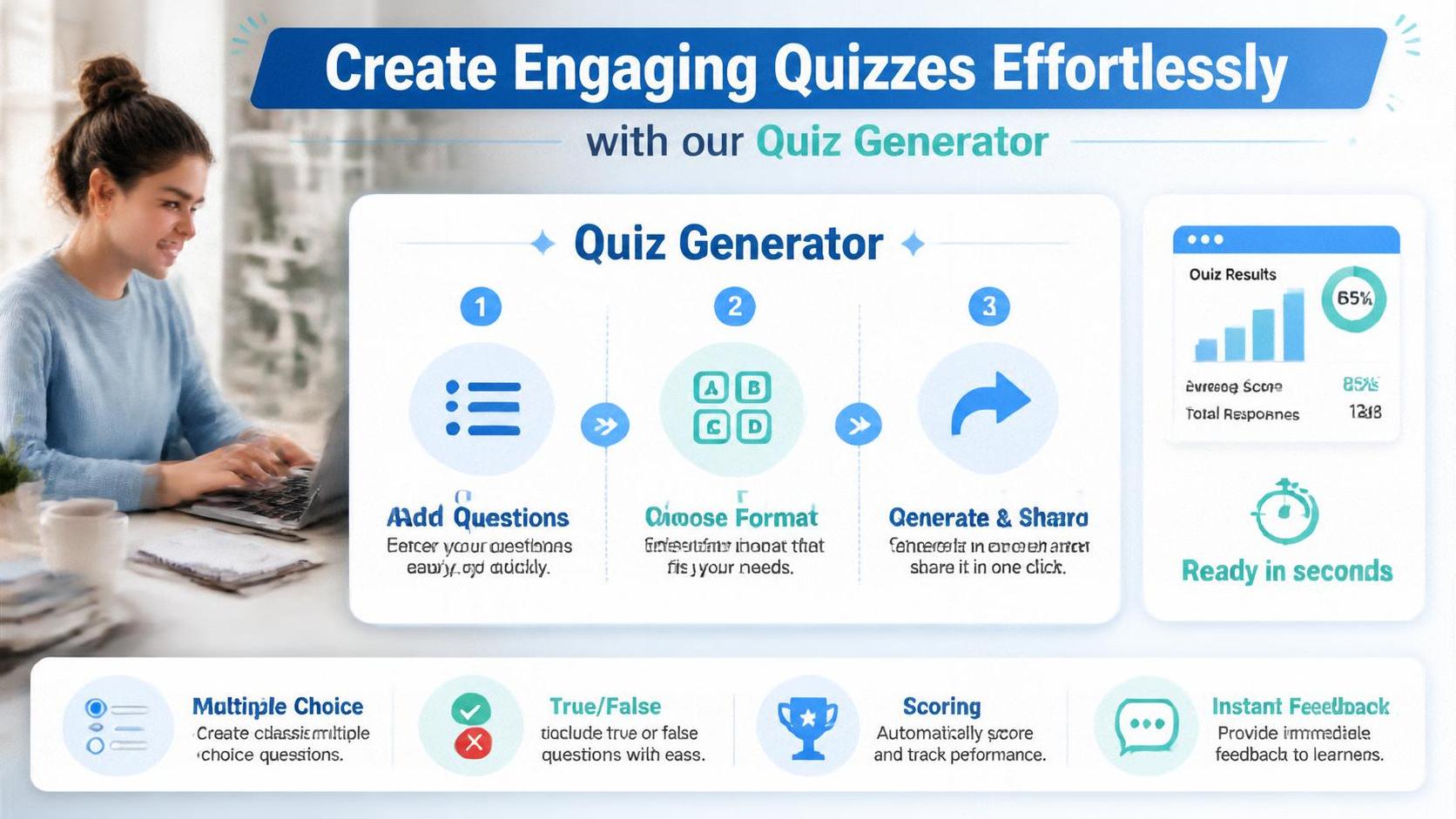
A quiz generator is an innovative tool that allows users to create custom quizzes easily and efficiently. Whether aimed at educational purposes or for entertainment, a quiz generator can help streamline quiz creation by offering various templates, question types, and formats. This flexibility makes it possible for anyone from educators to marketers to design engaging quizzes that resonate with their target audience. With just a few clicks, you can generate quizzes that include multiple-choice questions, true/false answers, fill-in-the-blank sections, and even ranking questions. Such versatility empowers users to adapt quizzes to their unique needs, maximizing engagement and participation.
Benefits of Using a Quiz Generator
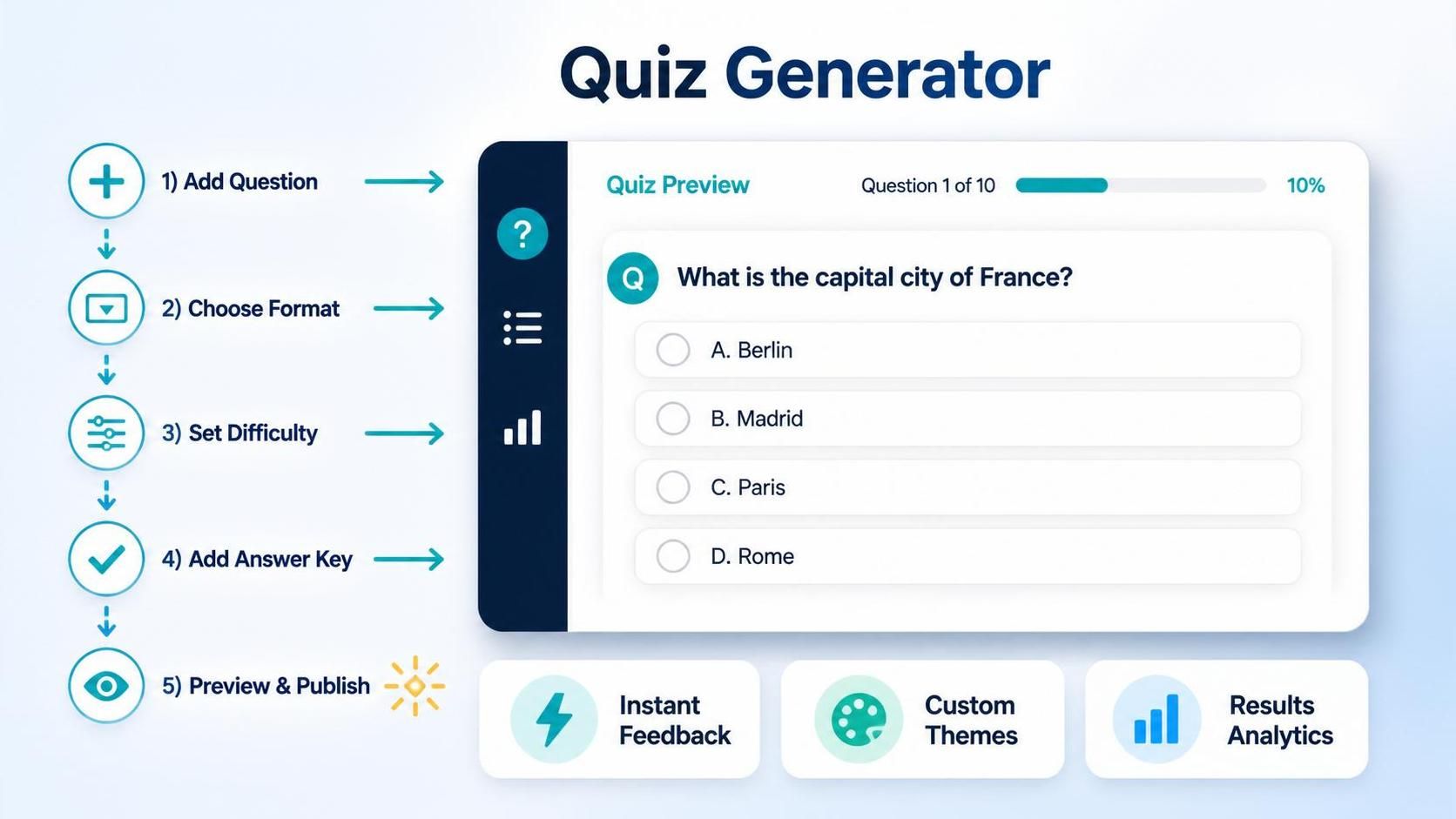
Using a quiz generator offers numerous advantages to its users. First and foremost is the time-saving aspect. Traditional quiz creation can be labor-intensive, but with an automated quiz generator, users can produce quizzes in a fraction of the time. This efficiency means educators can spend more time on teaching and less on administrative tasks. Moreover, most quiz generators come equipped with a variety of pre-made templates, which can inspire creativity and further accelerate quiz design. Secondly, customizing quizzes is a breeze with the use of these tools. Users can personalize their quizzes to fit the theme of their event, align with curriculum objectives, or cater to specific audience interests. This level of customization enhances the quiz experience, making it more enjoyable for participants. Finally, using a quiz generator can provide valuable insights through analytics. Many platforms offer data tracking features that allow users to assess quiz results, understanding participant performance, engagement levels, and knowledge gaps. This information can help refine future quizzes or instructional materials.
Types of Quizzes You Can Create
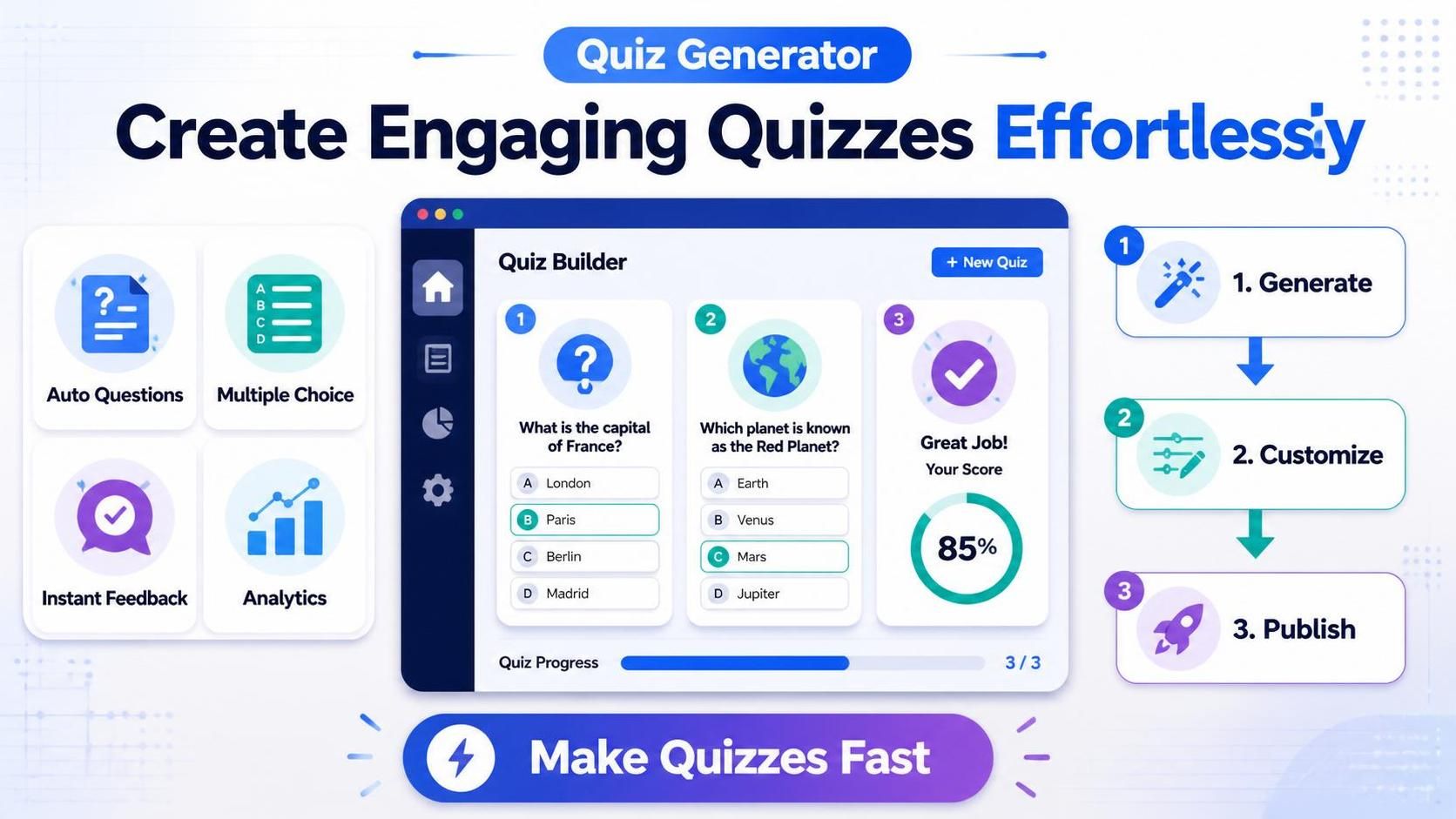
Quiz generators offer a rich variety of quiz formats that cater to numerous contexts. Here are some popular types: Trivia Quizzes: Perfect for social events or team-building activities, trivia quizzes can cover various topics from pop culture to history. These quizzes encourage competition and camaraderie among participants, enhancing the overall experience. Educational Quizzes: These are widely employed in classrooms to assess knowledge retention or reinforce learning. With a quiz generator, educators can create quizzes that align precisely with their lesson plans and students' skill levels. Feedback Quizzes: Businesses often use feedback quizzes to gather insights from clients or employees. This type of quiz can help assess satisfaction, gather input on services or products, and identify areas for improvement. Personality Quizzes: Such quizzes have gained popularity on social media platforms, entertaining users while providing personalized results. They can also be used for marketing purposes to guide users towards products or services they may enjoy. By utilizing a quiz generator, you can create any of these quiz types with ease, ensuring a unique experience tailored to your audience's needs.
Features to Look for in a Quiz Generator
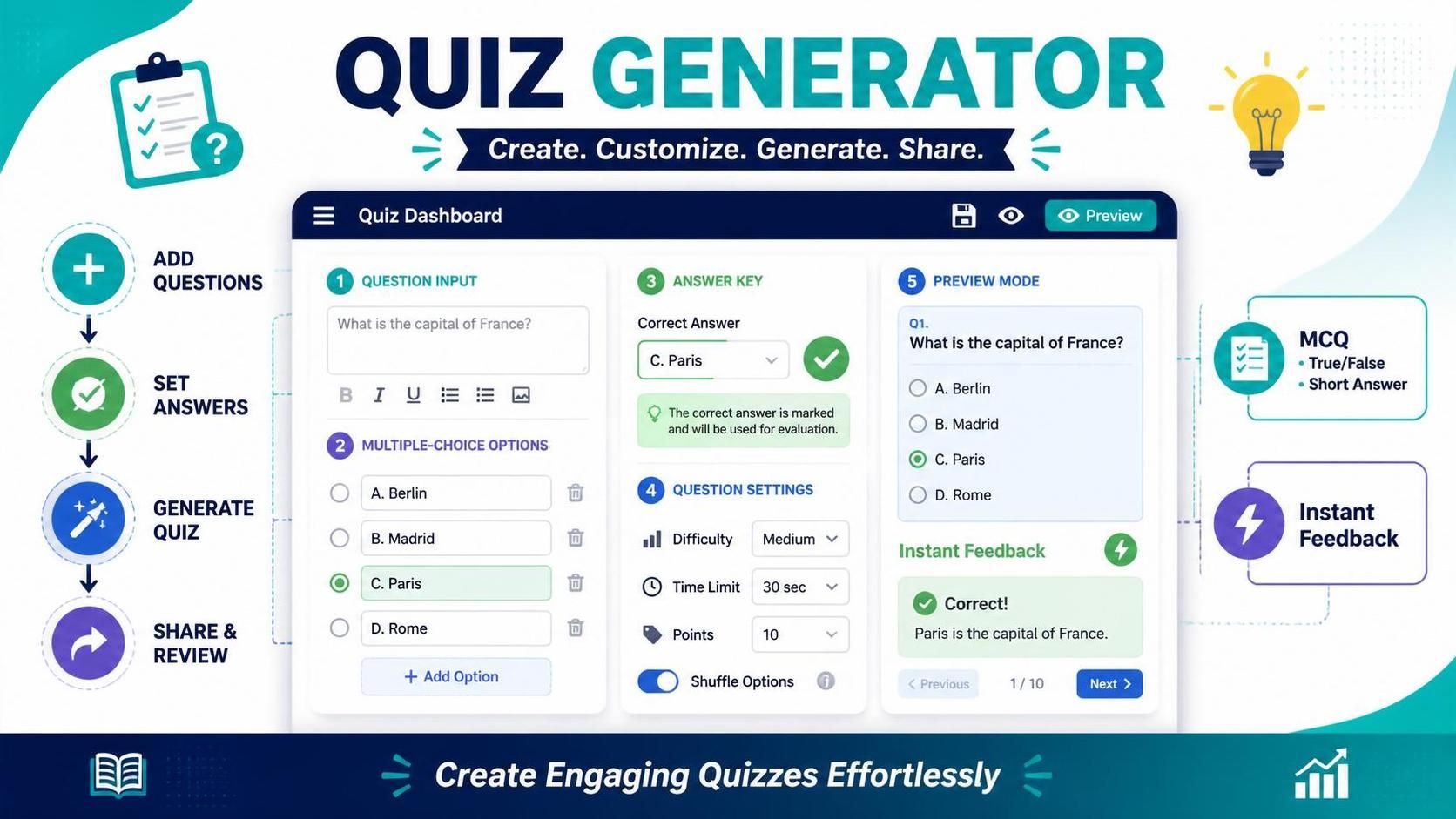
When selecting a quiz generator, certain features can make a significant difference in your quiz creation experience. Here are a few key features to consider: User-Friendly Interface: An intuitive design is crucial, especially if you're a first-time user. Look for quiz generators that are easy to navigate and allow you to create quizzes without a steep learning curve. Customization Options: The ability to adjust themes, fonts, colors, and layouts according to your branding or personal preferences is essential. Strong customization capabilities will help create quizzes that reflect your unique style and engage your audience effectively. Question Variety: Consider the types of questions you might want to include. The best quiz generators offer diverse question formats, from multiple choice to open-ended questions, enabling a dynamic quiz experience. Analytics and Reporting: Access to performance data and analytics can help you evaluate the effectiveness of your quizzes. Choose a platform that provides comprehensive insights into participant responses, scores, and trends. Sharing and Embedding Capabilities: It's essential to consider how you plan to distribute your quiz. Many quiz generators allow you to share your creation via links, social media, or even embed it directly on your website.
How to Use a Quiz Generator
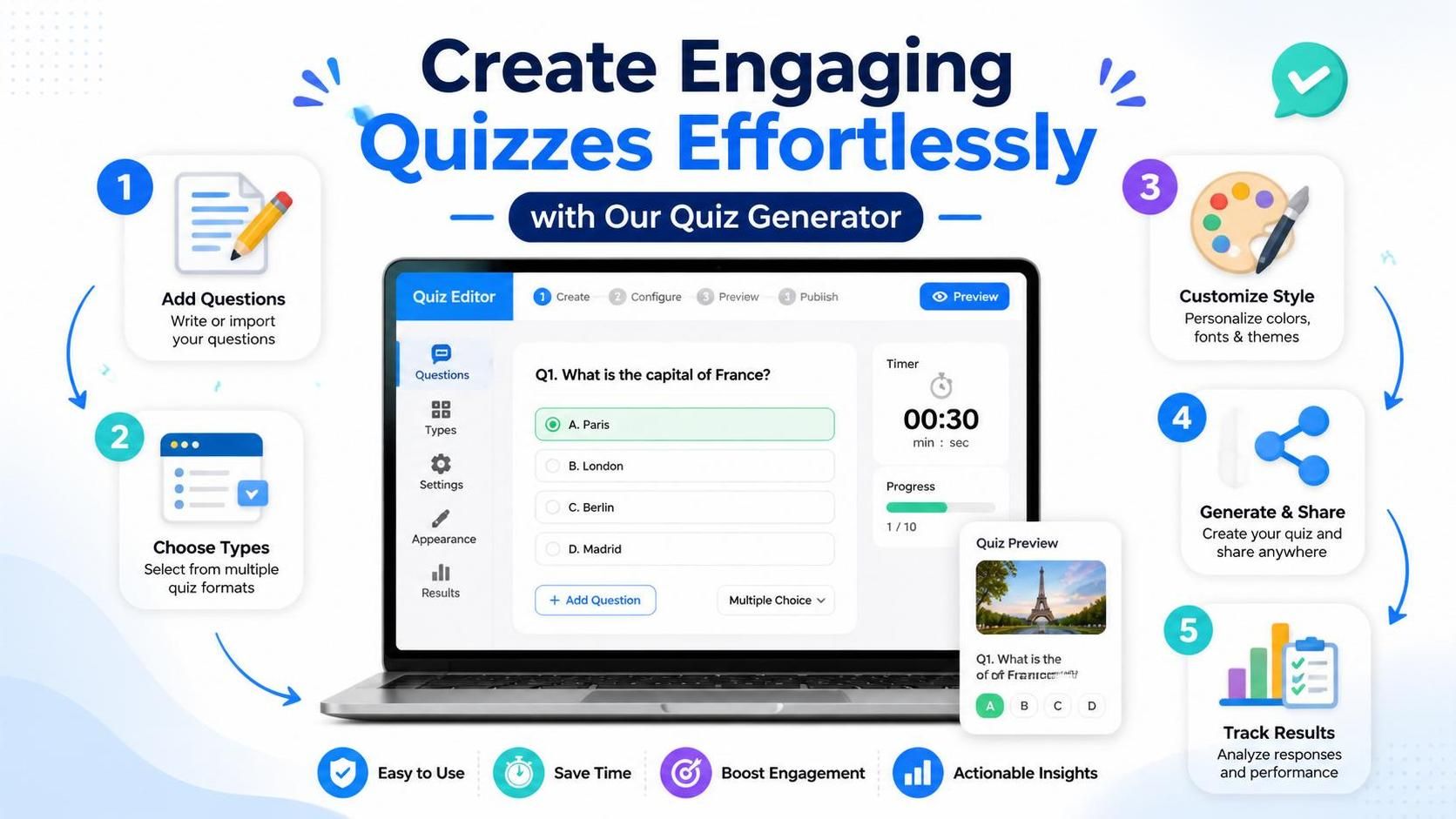
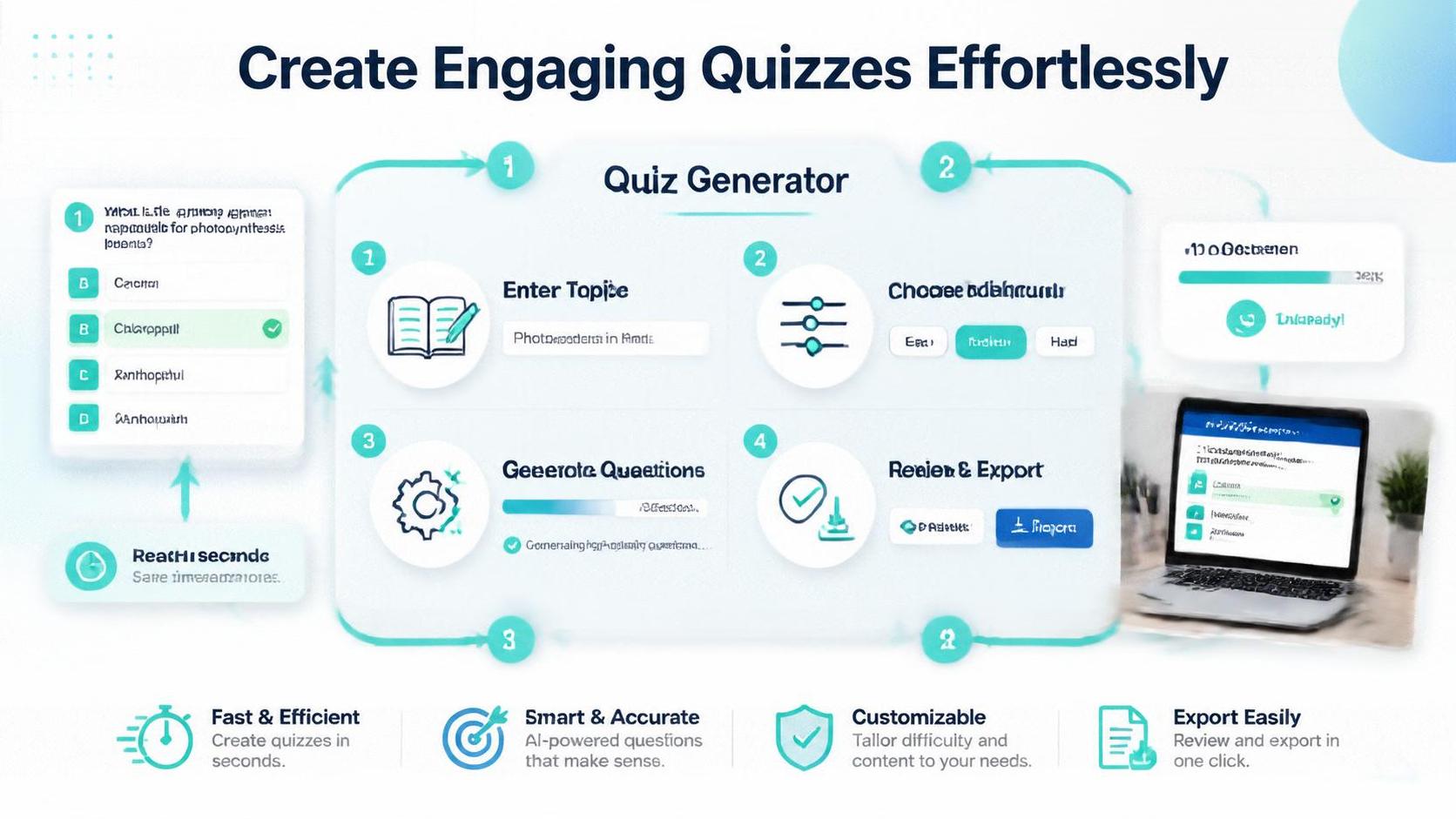
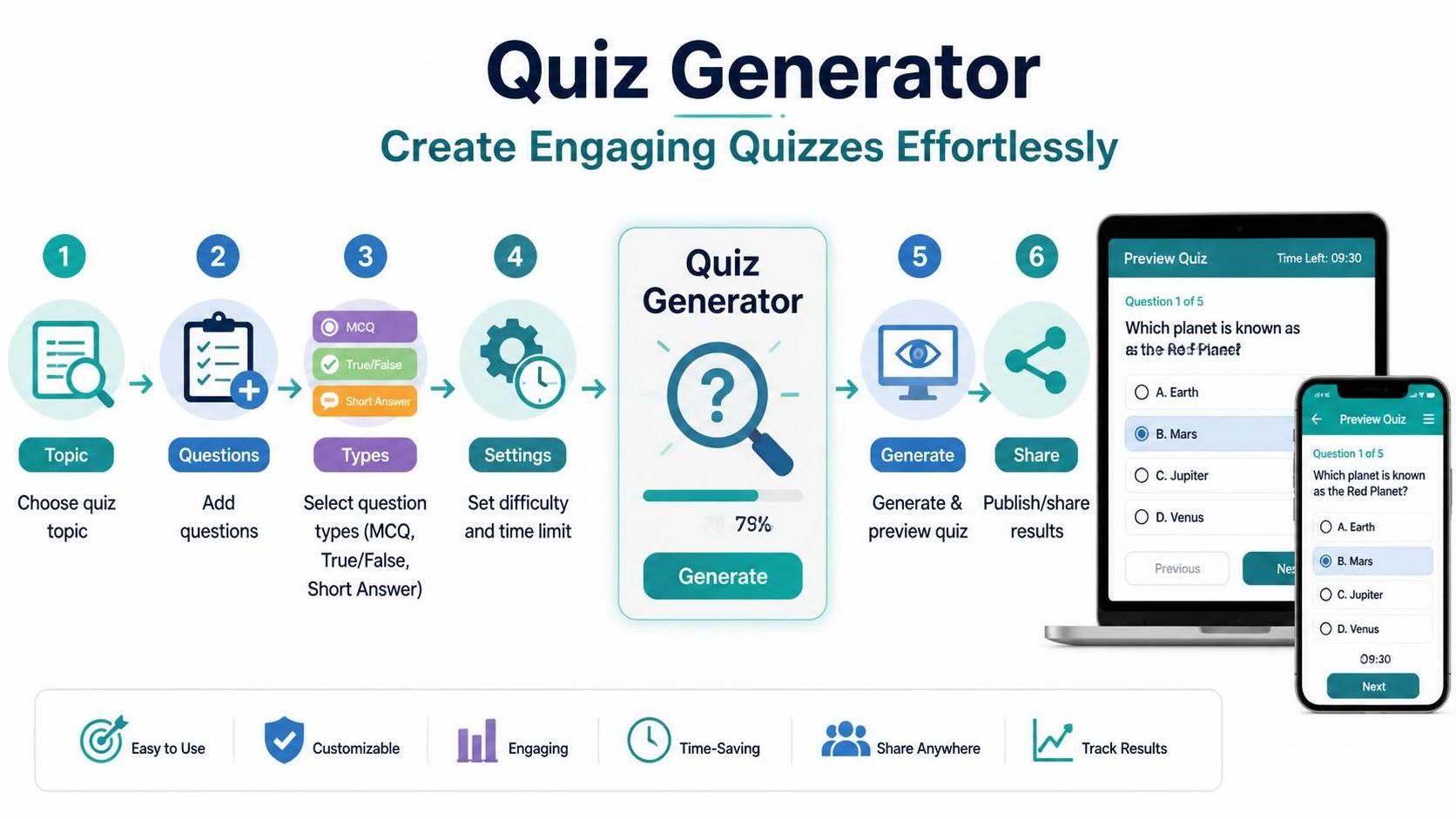
The process of using a quiz generator is typically straightforward and user-friendly. Here's a general step-by-step guide to creating your quiz: Step 1: Choose Your Topic Begin by selecting a topic that is relevant to your audience. Identifying the purpose of your quiz will assist in crafting questions that resonate with participants. Step 2: Select a Template Many quiz generators offer pre-made templates categorized by topic. Choose one that aligns with your theme, making it easier to jumpstart your quiz creation. Step 3: Customize Questions Add your questions and answers. Utilize the variety of question types available to make your quiz more engaging. Don’t forget to include explanations where relevant, as this can enhance learning opportunities for participants. Step 4: Personalize the Design Adjust the design elements of your quiz to reflect your style or brand. Ensure the colors and fonts are appealing and easy to read. Step 5: Preview and Test Your Quiz Before sharing, do a test run to ensure everything functions as intended. Participating in your quiz will help you gauge the difficulty and timing for actual participants. Step 6: Share or Embed Your Quiz Once satisfied with your quiz, share it through your desired platforms. Promotion can be done via social media, email newsletters, or embedding it within your website to connect with a larger audience.
Making Your Quiz Stand Out
To maximize engagement, consider implementing some creative strategies to make your quiz stand out. Incorporate visual elements, such as images or videos, within your questions to enhance engagement and capture interest. Add time limits for each question to create a sense of urgency and competition among participants. Additionally, you can leverage gamification by including points, badges, or leaderboards to encourage participation and motivate results. By creating an interactive experience, you will not only entertain your audience but also effectively highlight the value of learning and participation.
Quiz Best Practices
To ensure your quizzes yield the best results, adhere to a few best practices. Keep your questions clear and concise; ambiguity can lead to frustration and disengagement. Balance the quiz difficulty; a mix of easy and challenging questions will cater to varying skill levels. Additionally, incorporate constructive feedback at the end of the quiz, highlighting correct answers and offering explanations, fostering a learning environment. Ensure your quiz is mobile-friendly, optimizing for various devices, as many users will access quizzes on smartphones or tablets. Ultimately, by implementing these best practices, you’ll create quizzes that are not only engaging but also educational.
Frequently asked questions
A quiz generator is a tool that allows users to create custom quizzes easily and efficiently for various purposes, including education and entertainment.
Quiz generators automate the quiz creation process, allowing users to produce quizzes in a fraction of the time compared to traditional methods.
You can create various types of quizzes including trivia quizzes, educational quizzes, feedback quizzes, and personality quizzes.
Yes, most quiz generators feature intuitive designs that make it easy for first-time users to navigate and create quizzes.
Yes, quiz generators typically offer customization options for themes, fonts, colors, and layouts to match your branding or preferences.
Many quiz generators come with analytics and reporting features that track participant performance and engagement, offering valuable insights.
You can share your quiz via links, social media, or by embedding it directly on your website.
Ensure your questions are clear and concise, balance difficulty levels, and consider providing constructive feedback after the quiz.
Yes, incorporating images and videos can enhance engagement and make your quizzes more appealing.
Absolutely. Most quiz generators optimize for various devices, ensuring accessibility on smartphones and tablets.